Advertisement
Click to download now, finish the installation quickly, and directly unlock the all-round experience
Advertisement
Screenshots
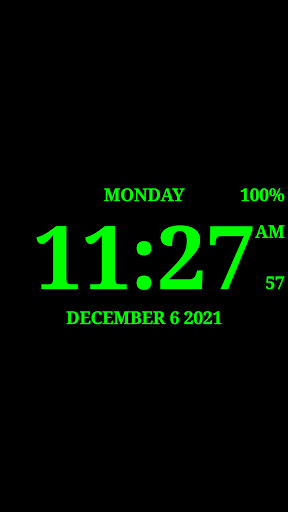
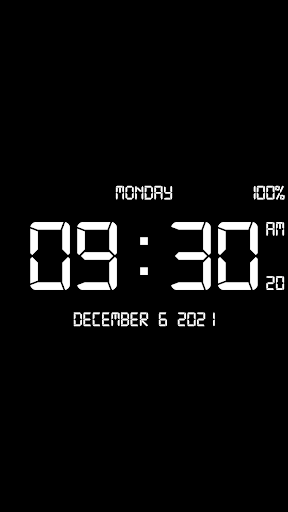
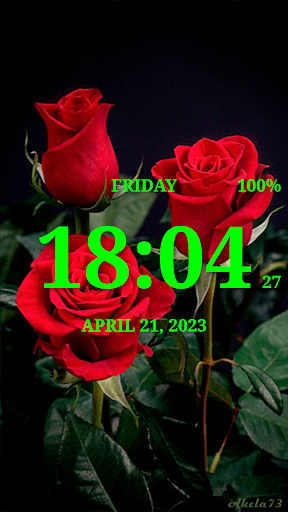
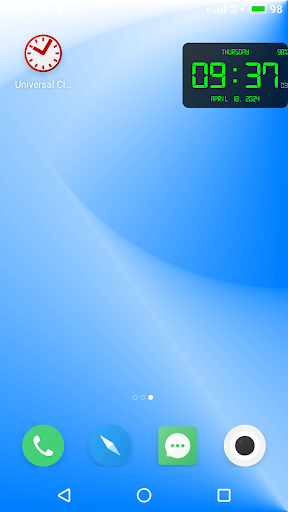
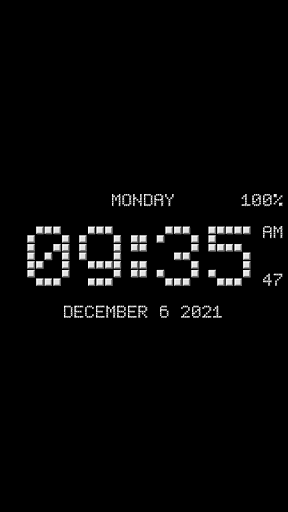
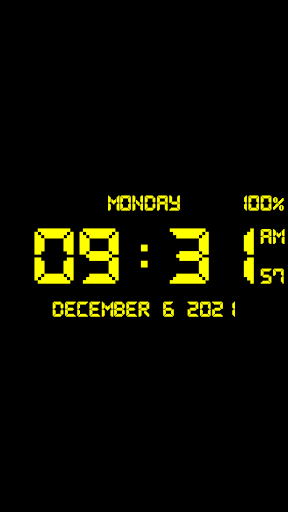
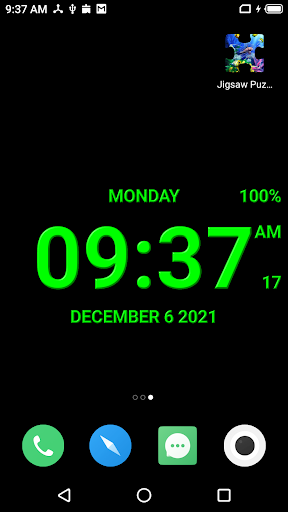
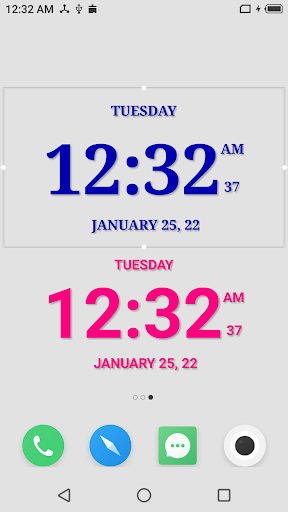
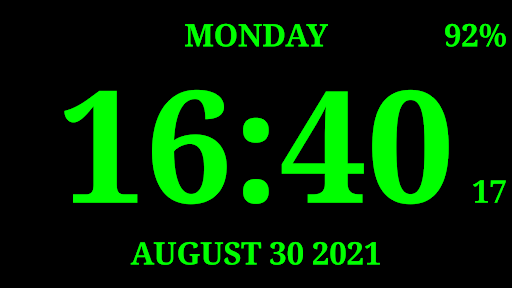
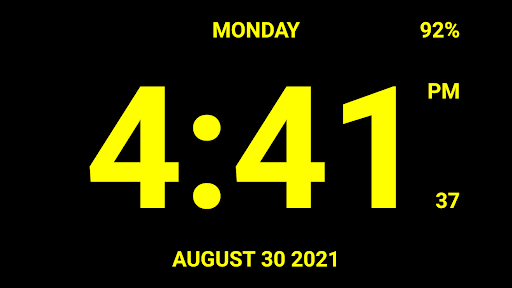
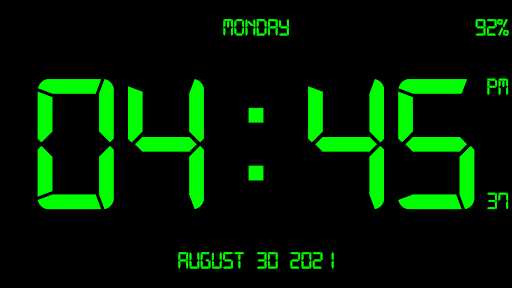
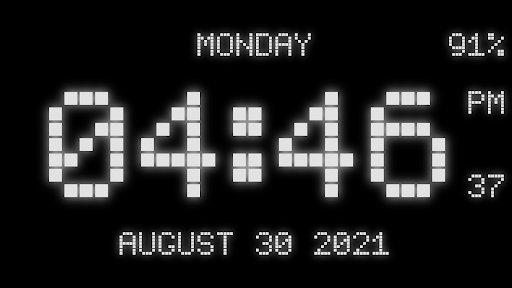
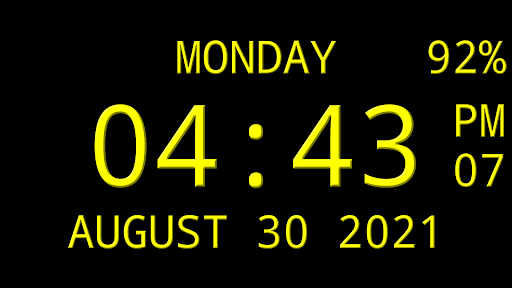
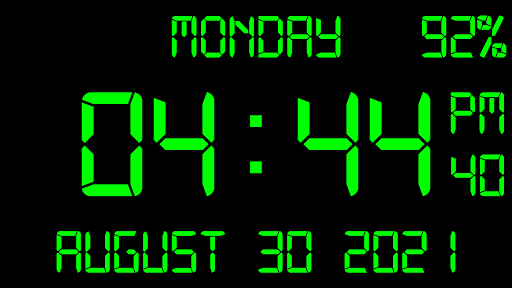
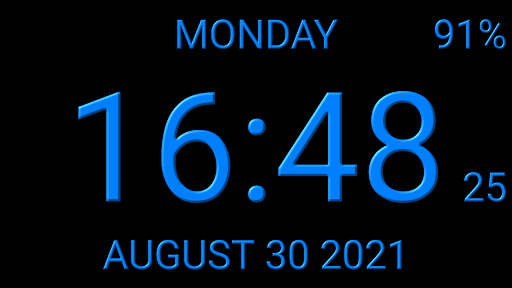
Click to download now, finish the installation quickly, and directly unlock the all-round experience
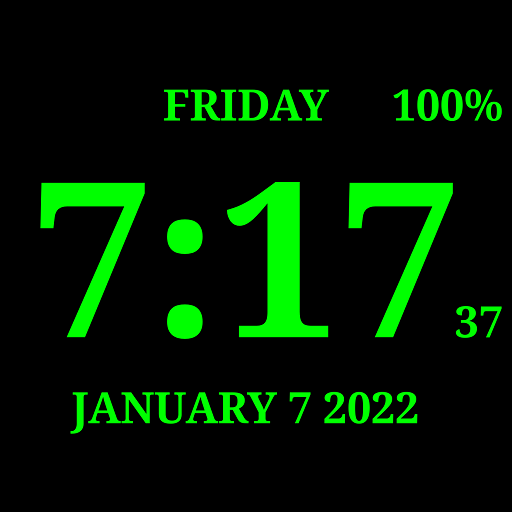
Digital Clock Live Wallpaper-7 puts a configurable digital clock on your phone’s home screen, and suits anyone who wants the time visible without opening a clock app. Made by Style-7, it also offers widget, screensaver, floating-clock and fullscreen desk-clock modes, so the display can fit different routines and devices.
Set the clock as live wallpaper and adjust its size and position. For a smaller view, add a clock widget; its size can be changed with Android’s usual widget controls. The app also includes a screensaver that can start while the phone is charging or docked, and a fullscreen mode for using the phone as a desk clock.
If you want the time visible over other apps, use the floating clock or mini clock. The floating version can be moved and resized, while the mini clock appears in a small picture-in-picture window. There is also a mode for an additional external display on compatible devices.
Choose from 15 fonts, including digital styles, then set which details appear. Alongside the time, the clock can show the date, weekday, month and battery percentage. You can hide seconds or other date elements, or show the time set for the next alarm instead of a date string. These options let you keep the display simple or make it a quick glance at several useful details.
Digital Clock Live Wallpaper-7 is listed in Tools and has more than 10 million installs. Its 4.17 rating comes from about 45,000 ratings, offering a useful indication of how it has been received by other users. With several ways to show the same basic information, it is best suited to people who want a clock that stays visible in a preferred place.