WavePad Audio Editor
NCH Software
Downloads
10,000,000+
Source
Google Play
Advertisement
Click to download now, finish the installation quickly, and directly unlock the all-round experience
Advertisement
Screenshots
Click to download now, finish the installation quickly, and directly unlock the all-round experience
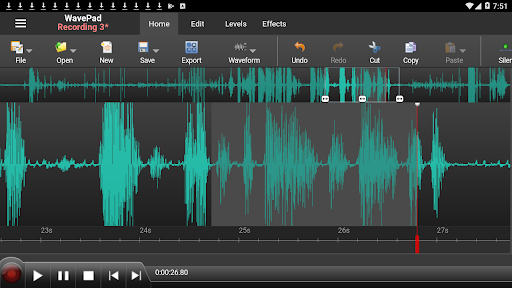
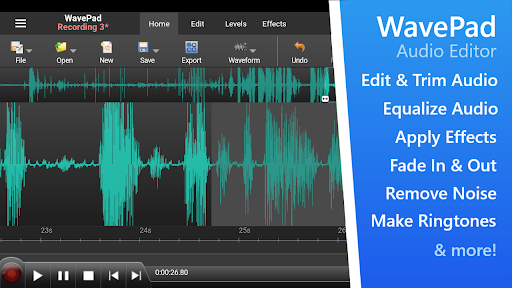
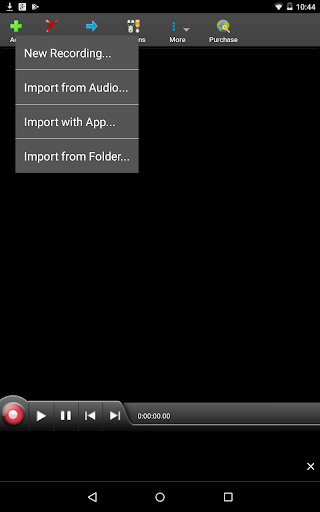
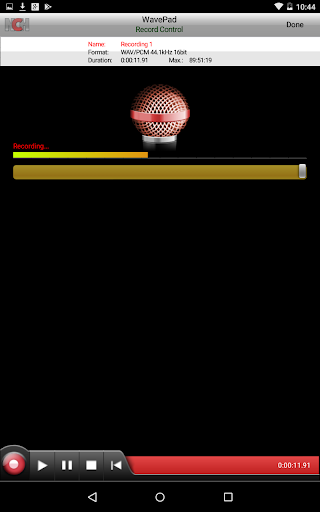
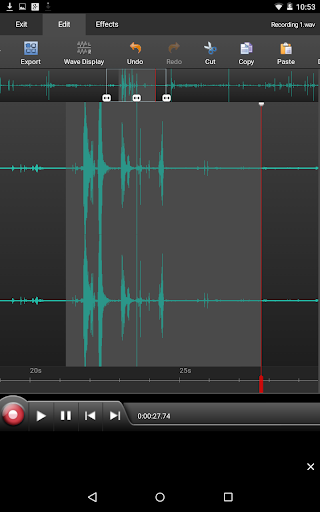
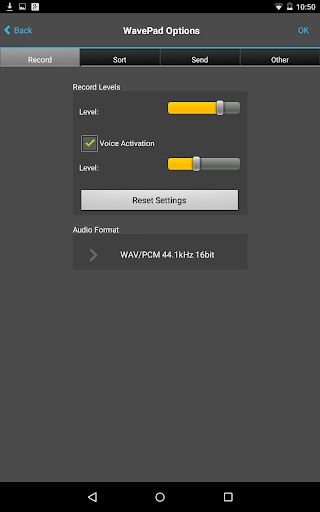
WavePad Audio Editor is for people who want to record or tidy up audio on an Android device without moving to a desktop editor. It handles music, voice and other recordings, with tools to cut, copy, paste, delete or silence parts of a clip. You can also insert audio from another file or make a new recording within the app.
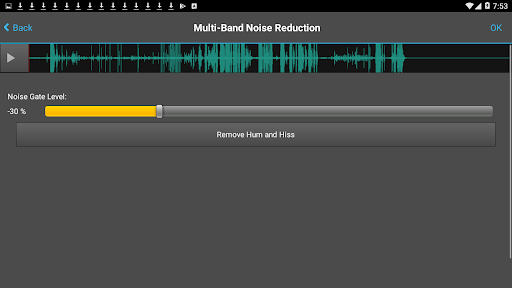
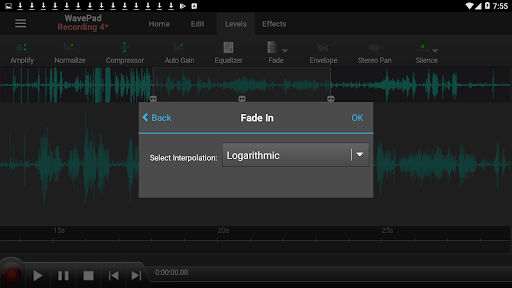
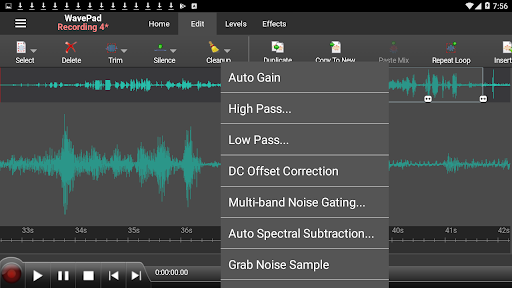
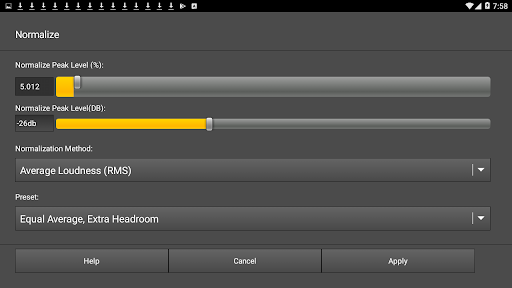
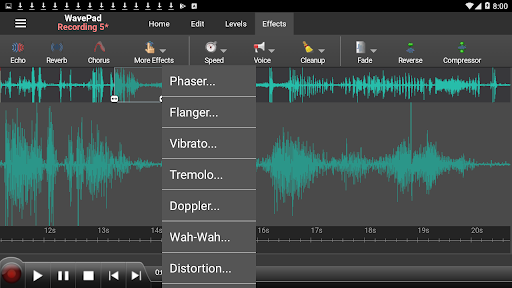
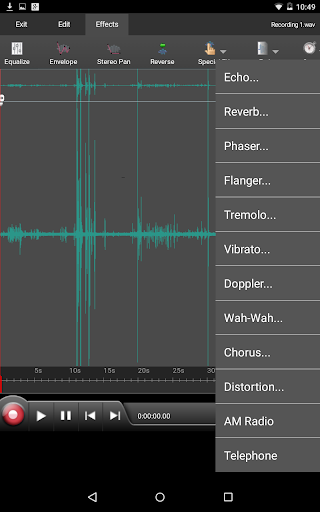
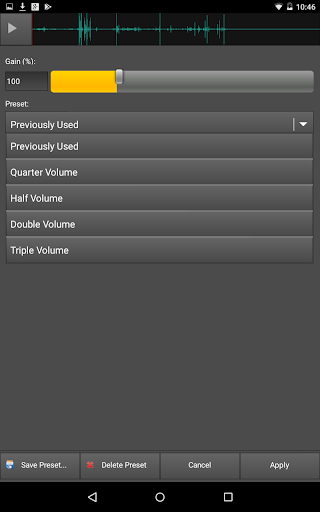
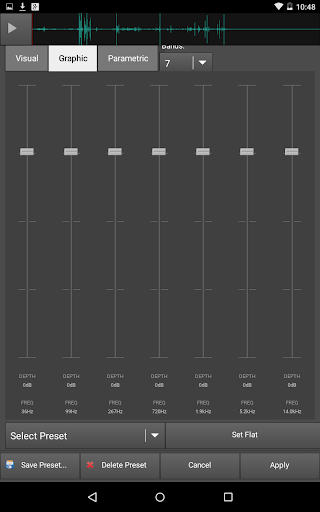
Once the basic edit is done, WavePad offers effects including amplification, normalization, equalization, reverb, echo and reverse. Noise reduction and click-and-pop removal are available for cleaning up recordings. These tools suit practical jobs such as trimming a spoken note, reducing unwanted background sound or adjusting a music clip before sharing it.
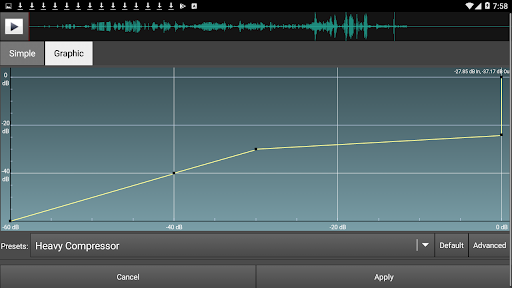
The editor supports formats including MP3, WAV and AIFF, along with different WAV variants. Waveforms provide a direct way to select and edit sections of audio. There are also options such as compression, pitch shifting and auto-trim for users who want more control than a simple start-and-end crop.
WavePad is developed by NCH Software and is listed in Music & Audio. Its 4.09 rating from about 41,000 reviews and 10 million-plus installs suggest it has found a broad audience, though those figures do not tell you whether its editing style will suit your own work. The supplied free edition is for non-commercial use, so it is best suited to personal recordings and projects rather than paid production.