
Advertisement
Click to download now, finish the installation quickly, and directly unlock the all-round experience
Advertisement
Screenshots
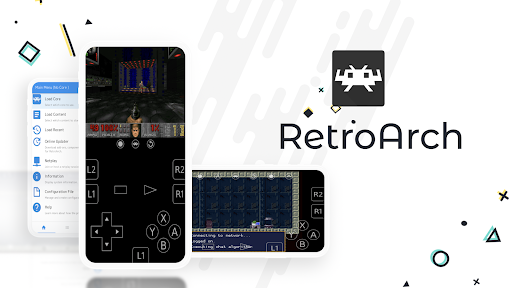
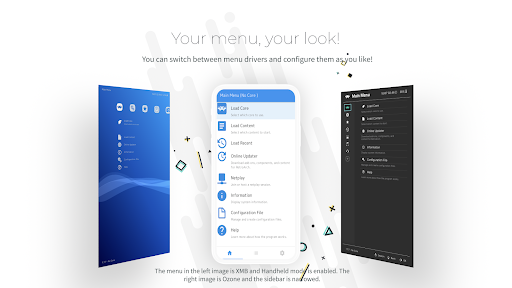
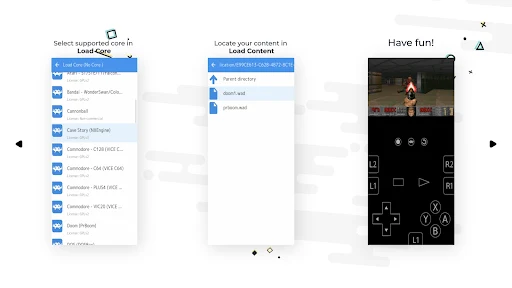
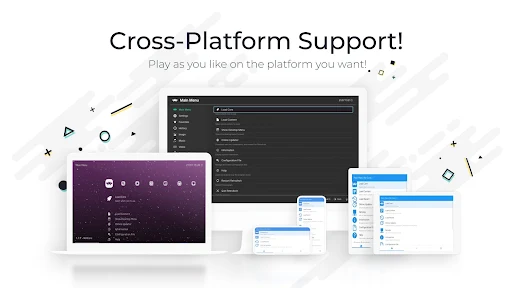
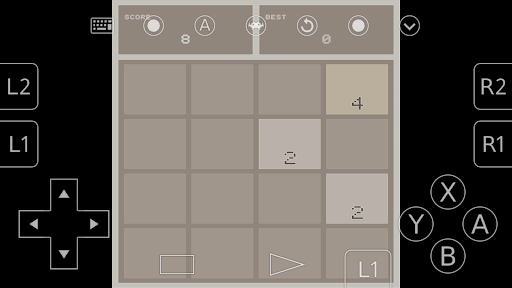
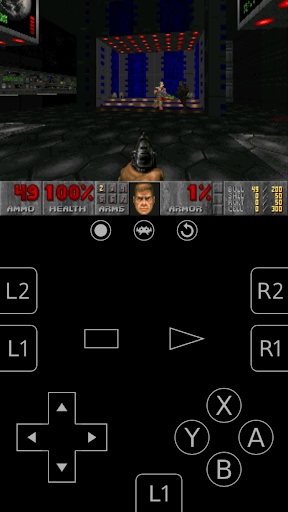
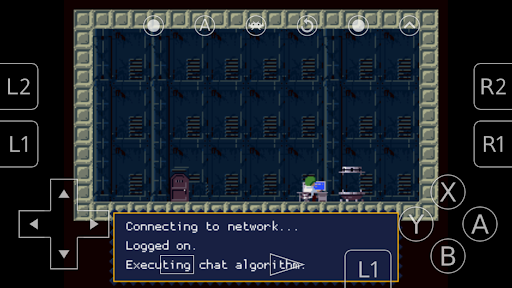
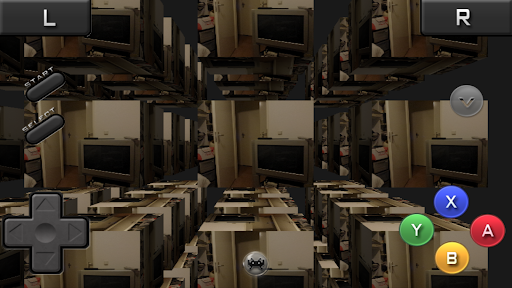
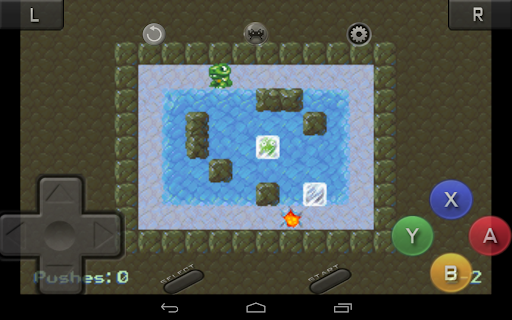
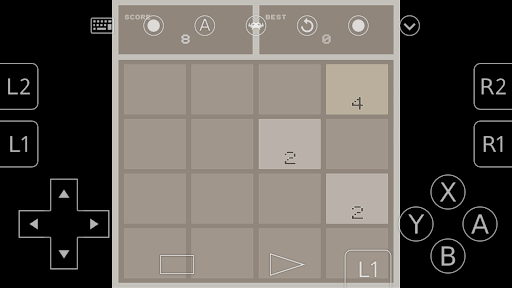
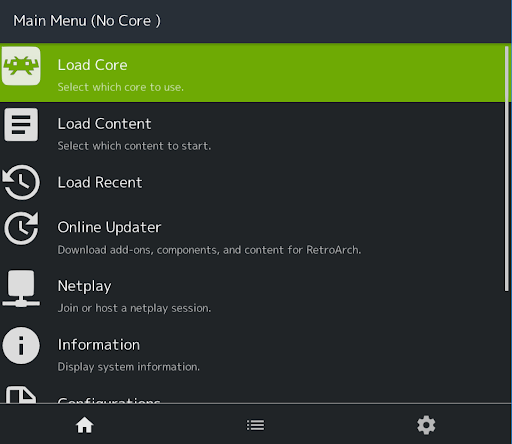
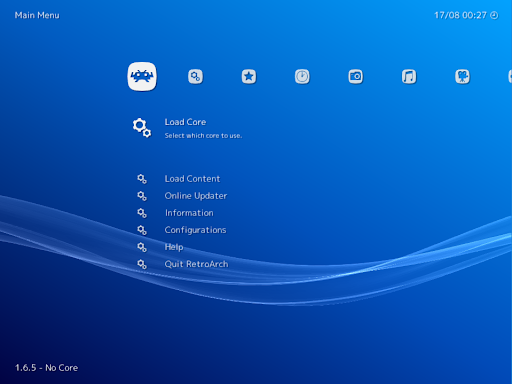
Click to download now, finish the installation quickly, and directly unlock the all-round experience
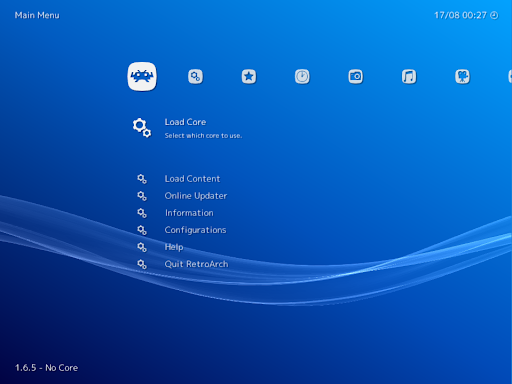
RetroArch is a front end for running games through software modules called cores. It suits people who already have compatible game files and want to organise and play them across different systems from one app, rather than keeping a separate emulator for each. Libretro develops the app and the underlying framework.
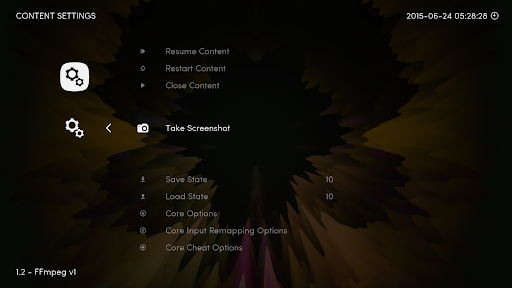
You can scan files or folders into collections, browse the resulting game lists and view database information where it is available. RetroArch also includes tools for remapping controls, loading cheats, taking screenshots and saving or loading a game state. NetPlay supports multiplayer, though setting up a collection of games and the right cores takes more effort than opening a single-purpose game app.
This Android version supports up to 50 cores and does not include a core downloader. That makes it worth checking whether the systems you want to use are supported and whether you can get the needed cores before settling on RetroArch. It is a flexible toolkit, not a library of games ready to play.
RetroArch has a 3.79-star rating from 47,774 reviews and more than 5 million installs. Those numbers suggest a widely used option, but the range of settings may feel like extra work if you only want to play one game. If you enjoy organising a collection and adjusting controls to suit your setup, its many tools can make repeat play sessions easier to manage.